Made in Kerala for committees across India
Complete mahallu and masjid management software
The member register, monthly varisangya, accounts, receipts, certificates and the noticeboard in one place, in English and Malayalam. Nothing to install. Works on any phone.
- Set up for you
- User guide in English and Malayalam
- Support on WhatsApp and email
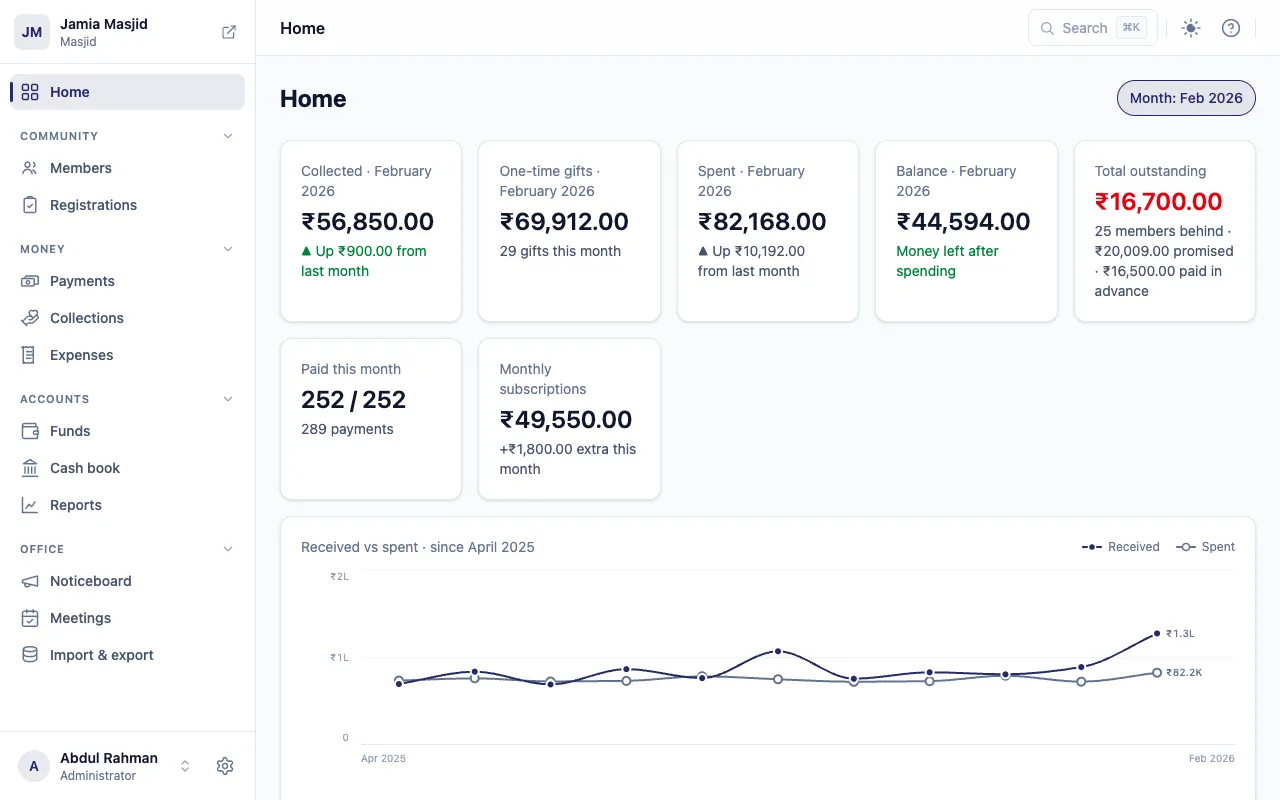
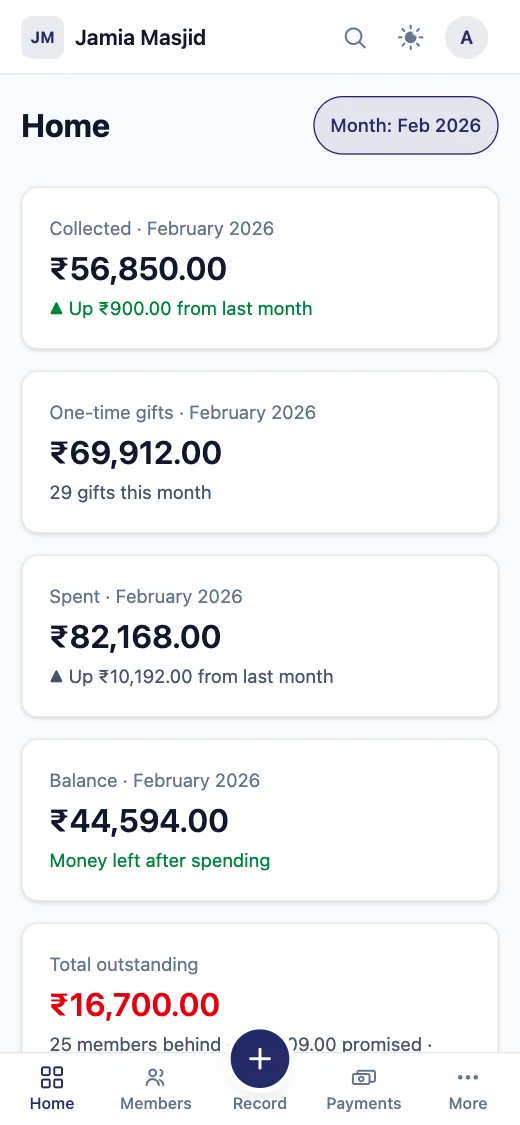
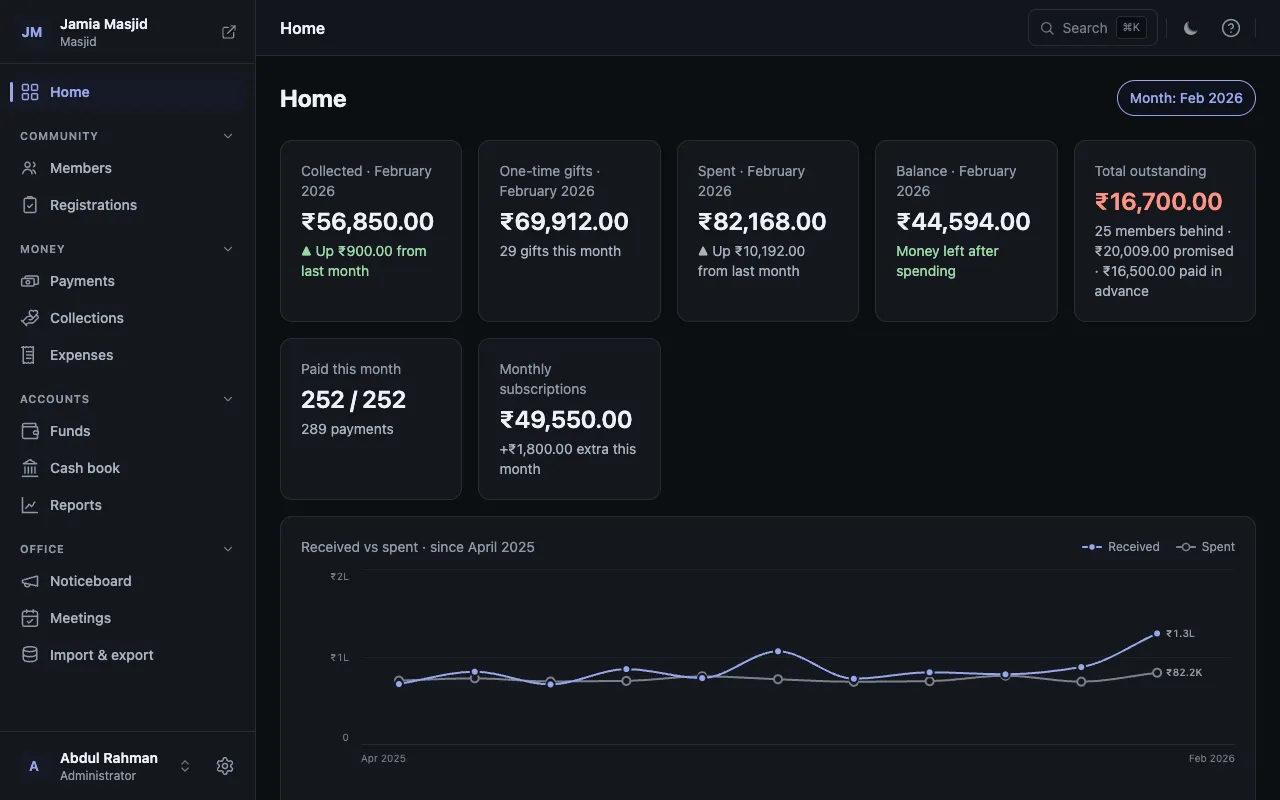
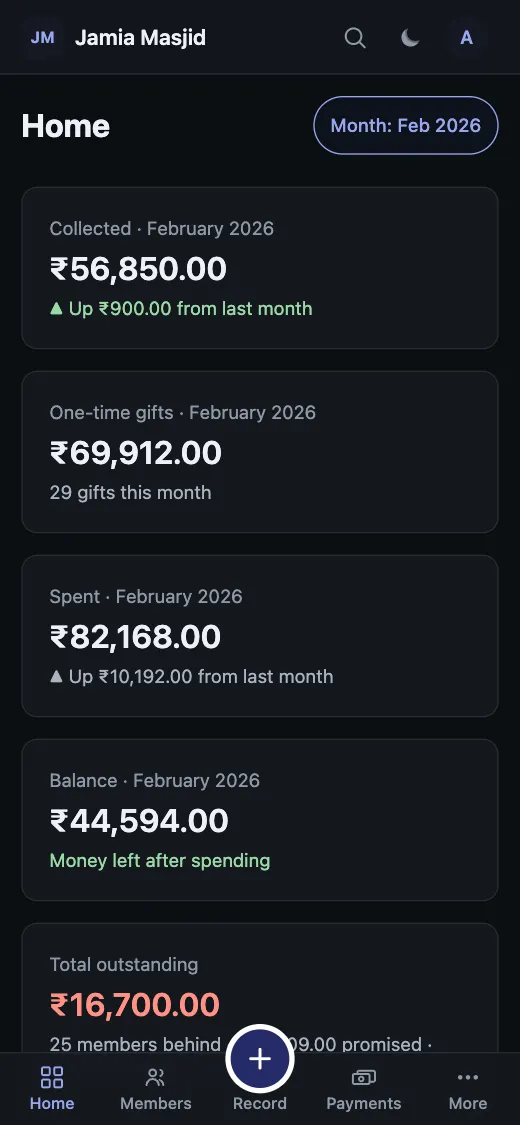
The overview a treasurer opens first: collected this month, outstanding, and who has paid.
One plan for every kind of committee
Choose what the app calls your institution and its people: a madrasa and its students, a trust and its members.
-
Mahallu
The house and family register with monthly varisangya.
- Houses, families and clusters
- Outstanding carried forward
- Marriage and other certificates
In the app MahalluMember -
Masjid
Collections, spending and receipts, with or without a register.
- Friday and event collections
- Expenses and vendor dues
- Public page and noticeboard
In the app MasjidMember -
Madrasa
Students in place of members, monthly fees in place of varisangya.
- Student and family register
- Who is behind on fees
- A receipt for every fee
In the app MadrasaStudent -
Waqf and trusts
Properties, rent and the Waqf Board’s annual accounts.
- Waqf property register
- Tenancies, rent and dues
- Annual accounts (Kerala Form 6)
In the app TrustMember -
Colleges and institutions
The same accounts under your own name for the place and its people.
- Fees and collections
- Expenses and bank accounts
- Reports for the committee
In the app CollegeStudent
Not sure it fits your institution? Ask us on WhatsApp
Built the way a mahallu works
Made for the way a committee collects, spends and keeps its records.
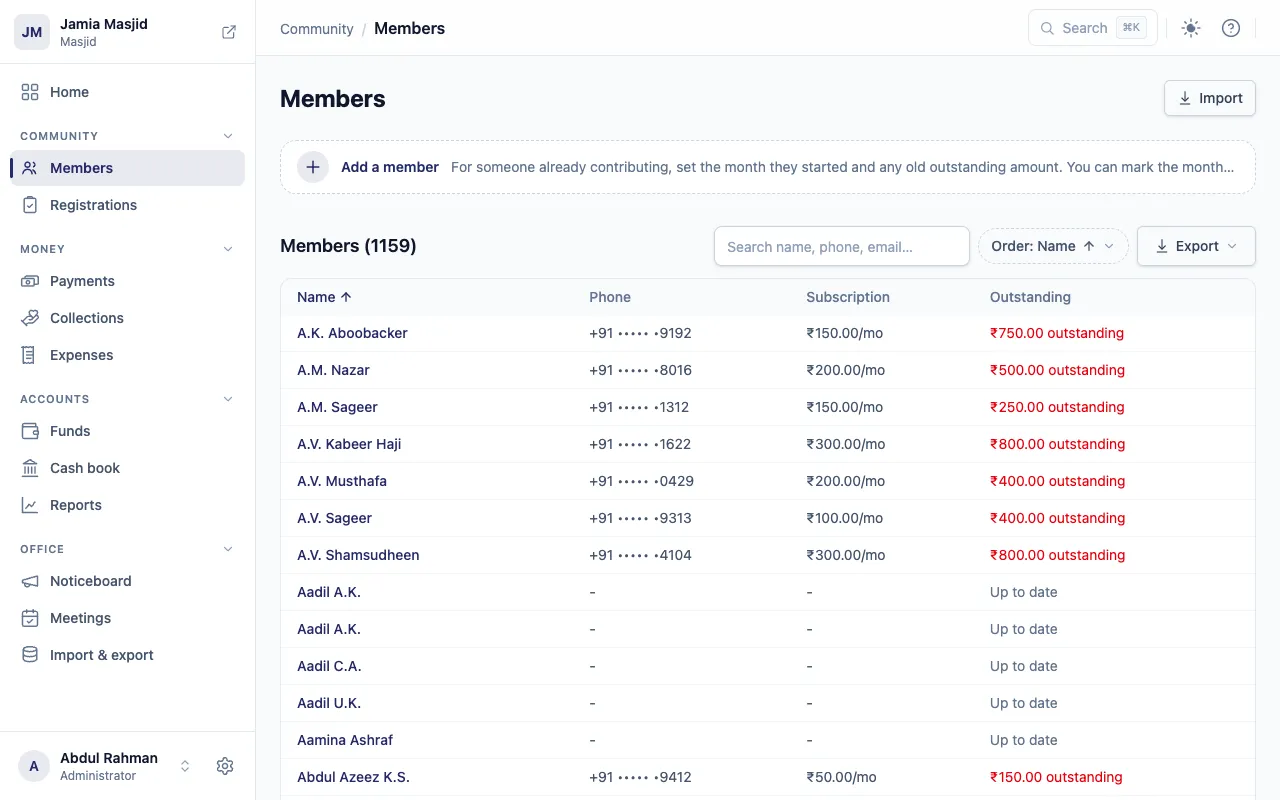
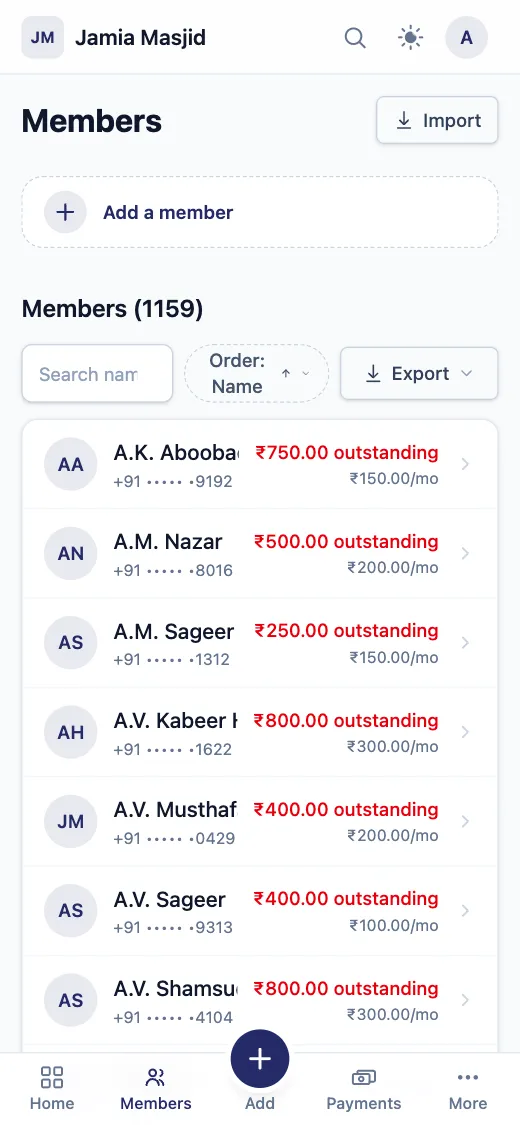
Members and varisangya
Every house, every member, every month
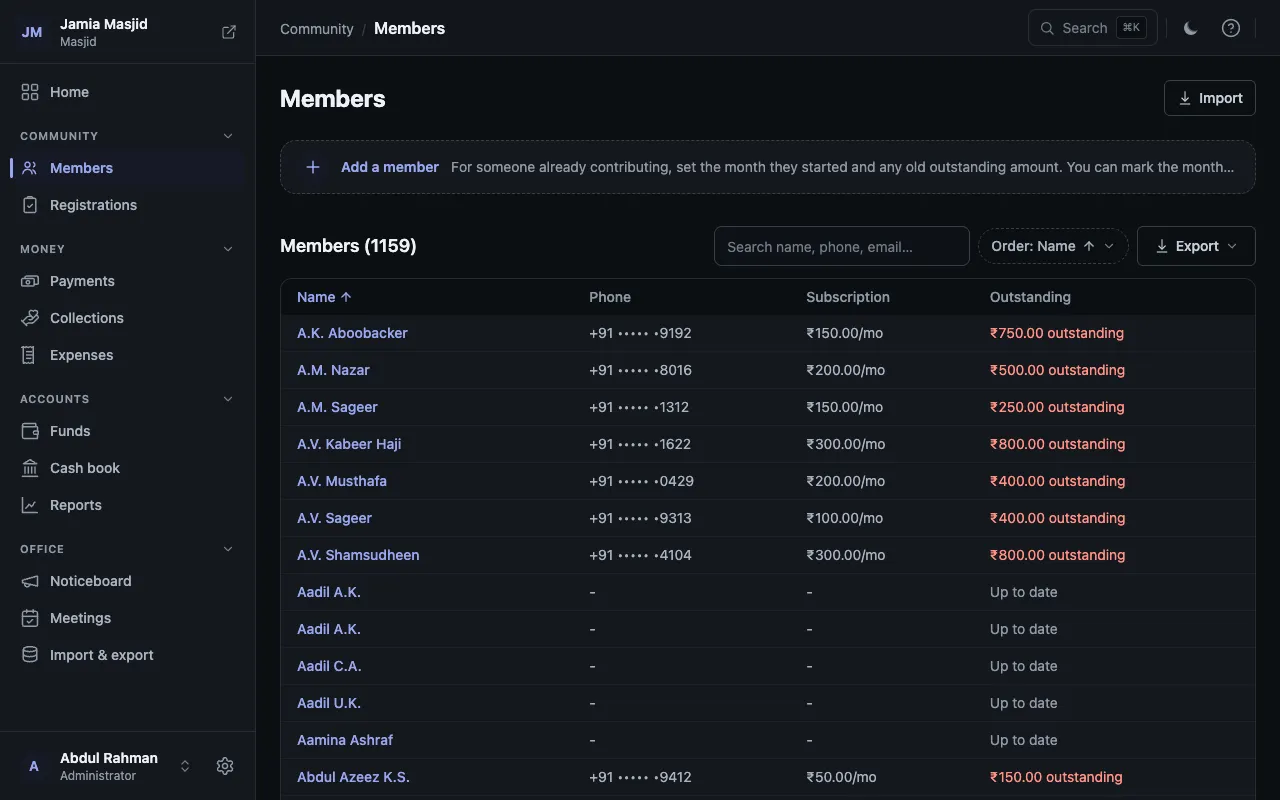
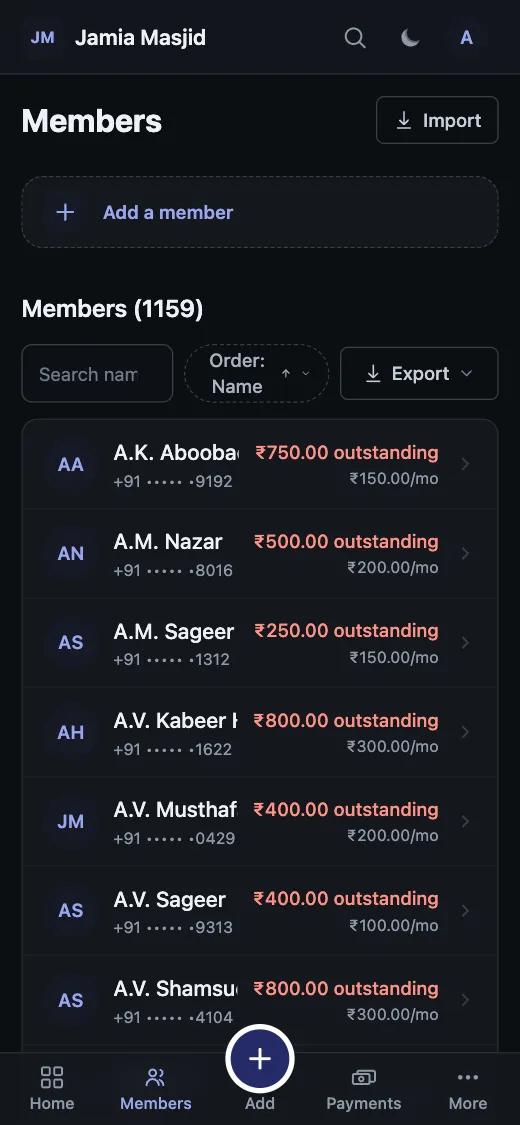
Set each member’s monthly varisangya once. Collectors record payments as they collect, and the register shows the same day who has paid and who is behind. Anything unpaid is carried forward, so follow-up never depends on memory.
- Per-member or fixed monthly amounts
- Outstanding amounts carried forward month to month
- Search the whole register from any phone
Houses and clusters
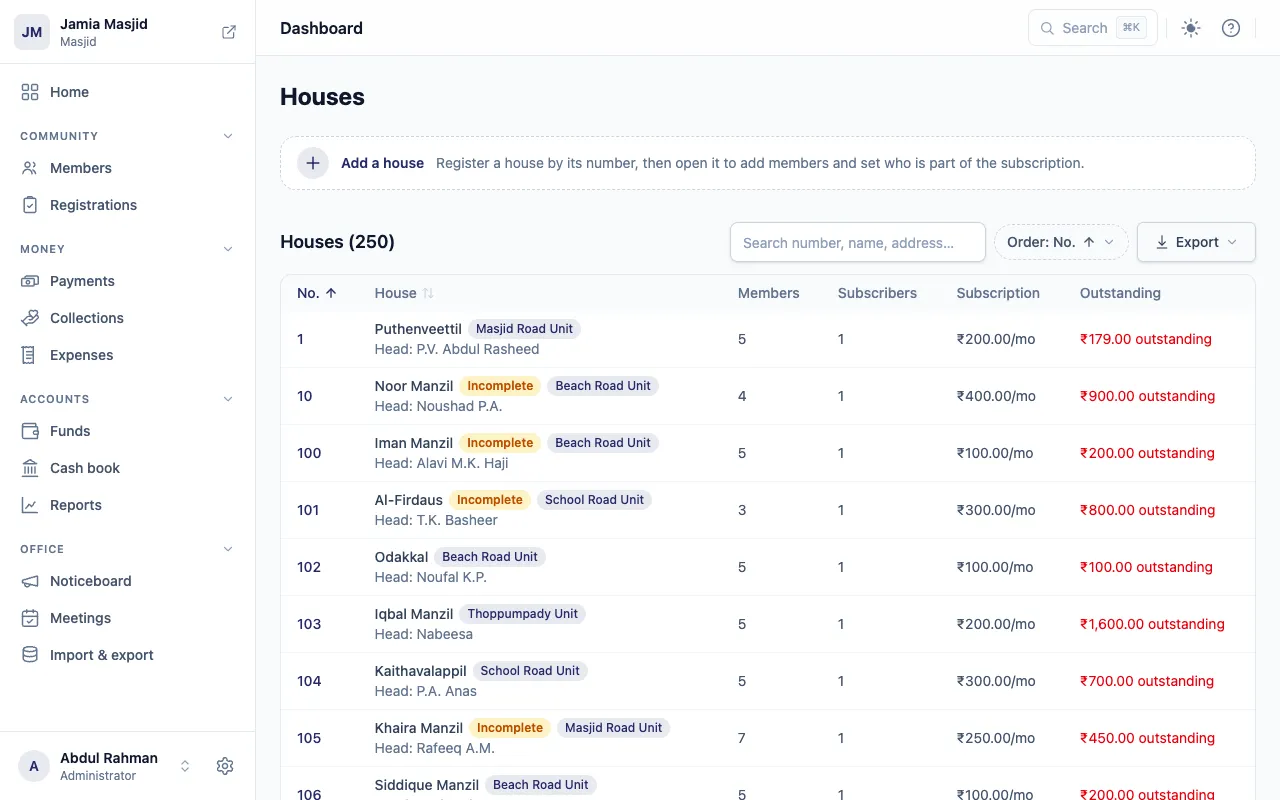
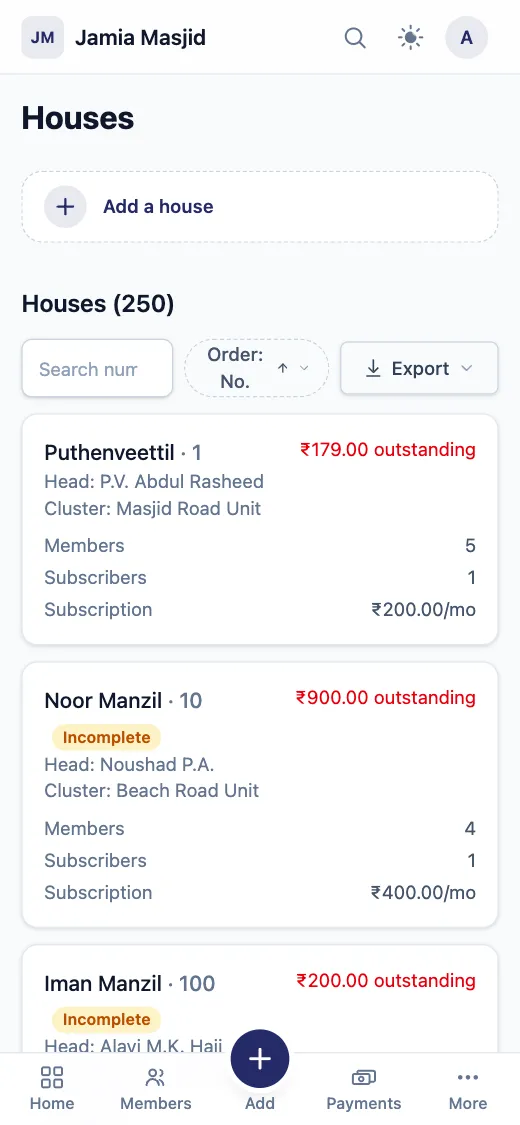
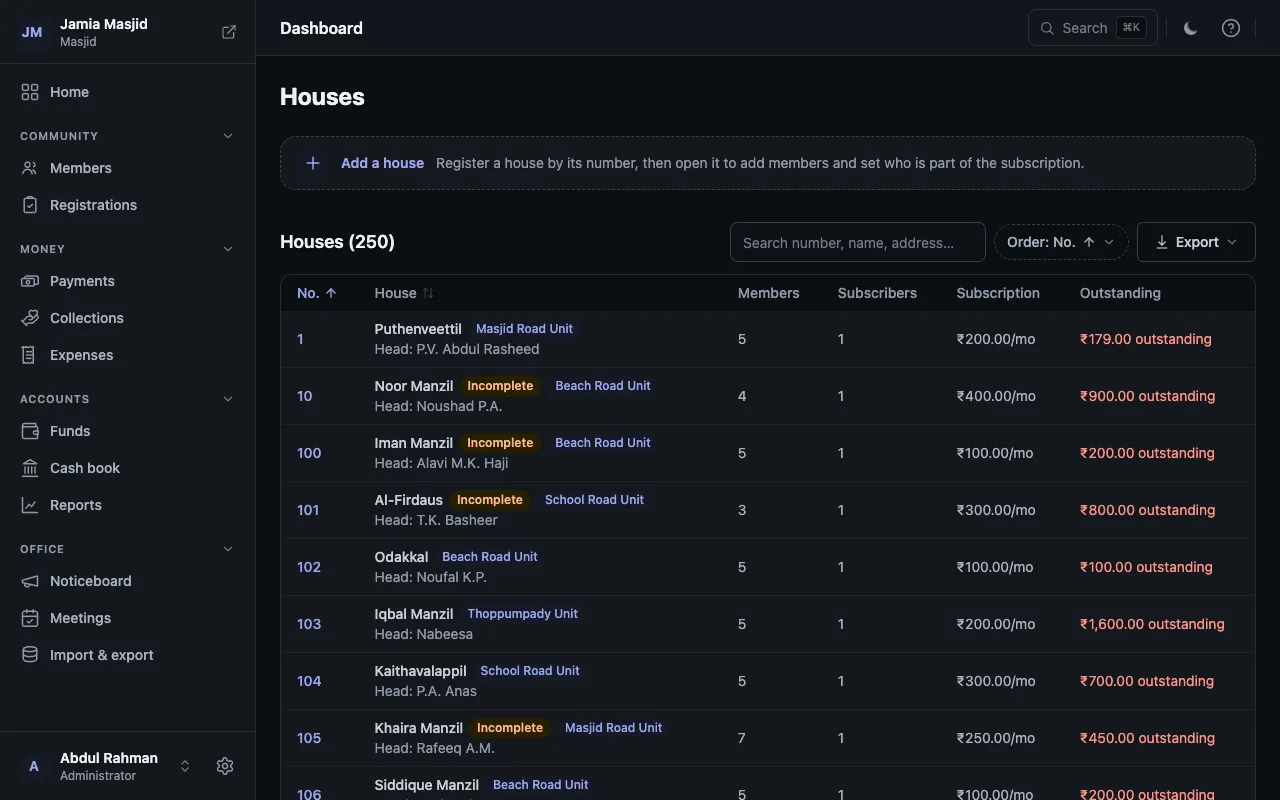
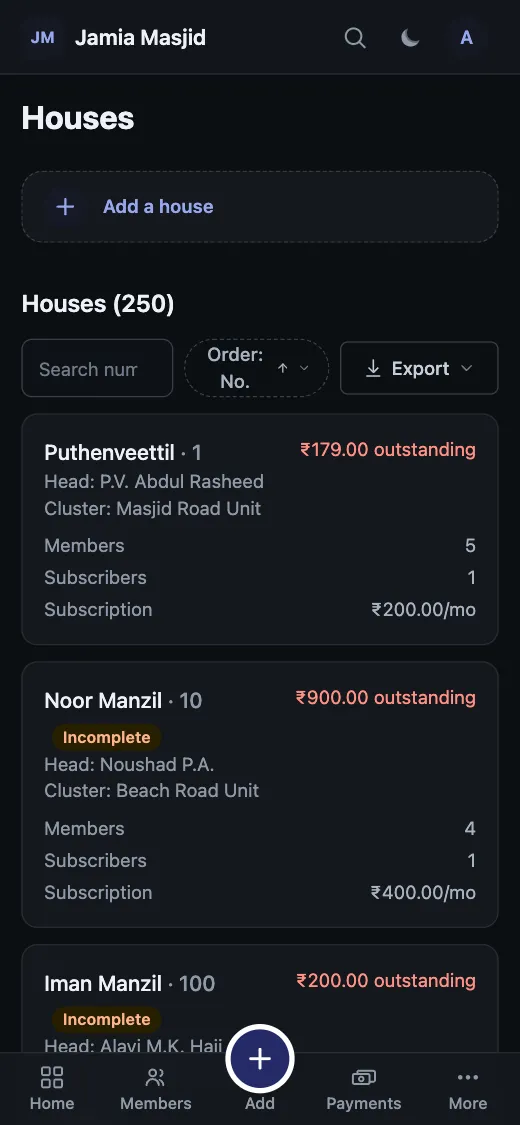
The mahallu register, house by house
Members belong to houses, and houses belong to a cluster or ward with its own leaders. Family relationships are on record, so a marriage, a death or a move is one change. Households and individual members can fill in their own details from a link, and nothing joins the register until the committee approves it. When a family moves to another mahallu that uses InflowBooks, a transfer code carries it across with its relationships.
- Household register with family relationships
- Clusters or wards with leaders and a collection rate for each
- Self-registration links for households and members, reviewed by the committee before anything is added
- House cards and door stickers whose QR opens the house for collectors
Accounts
Masjid accounts the treasurer can hand over
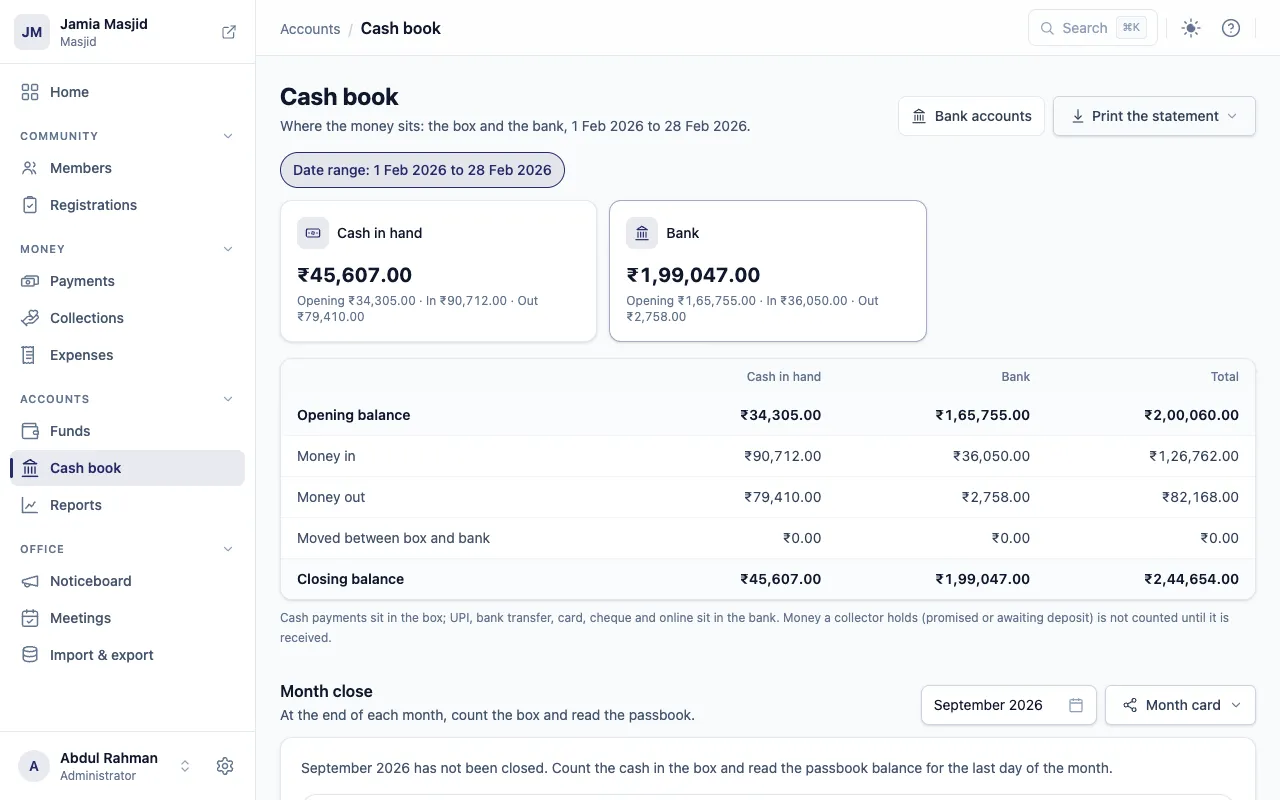
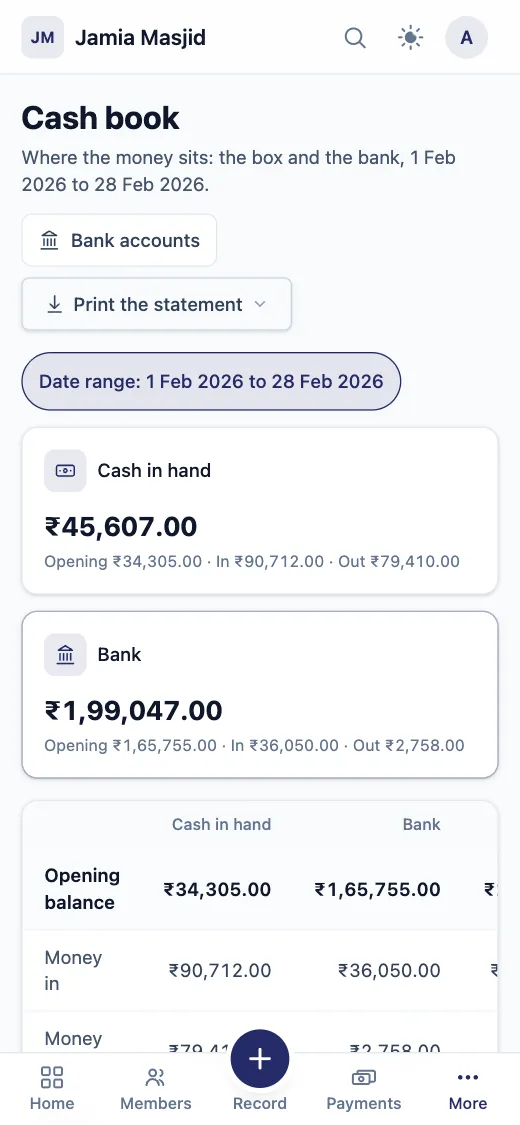
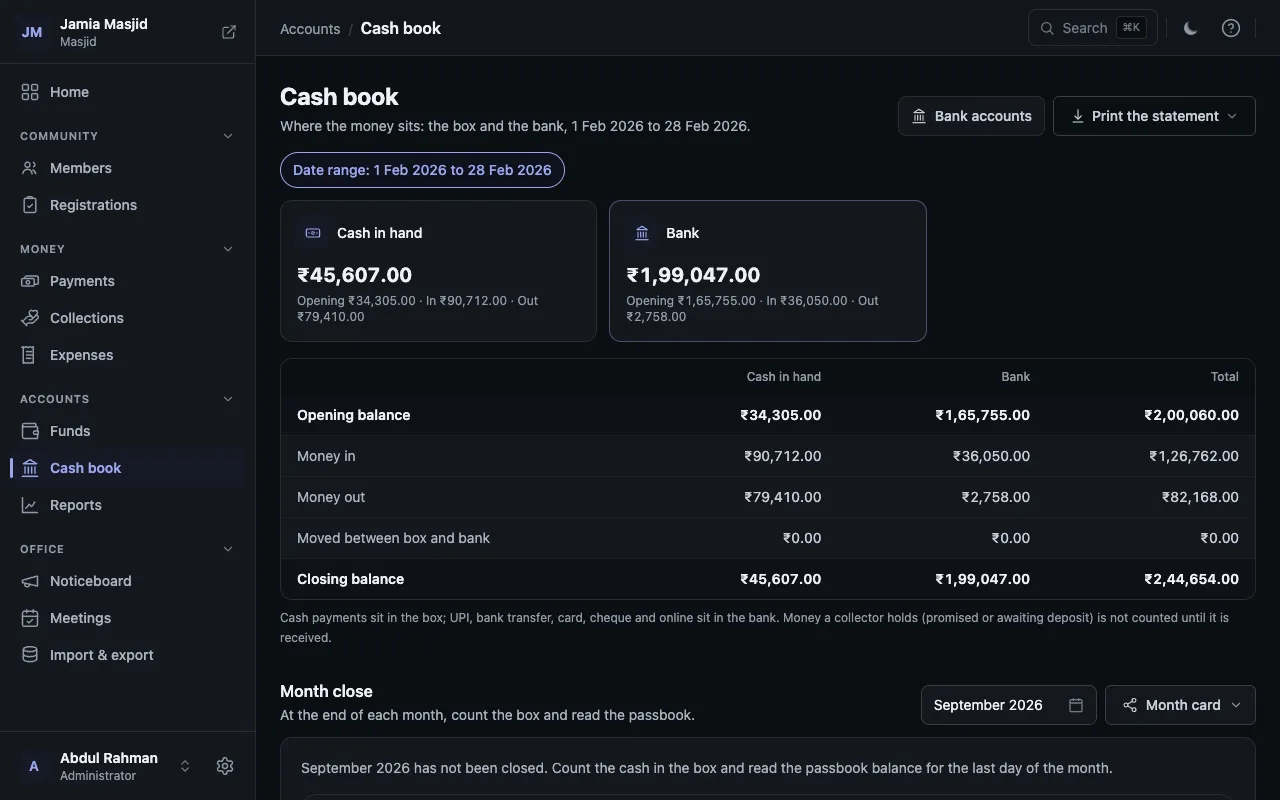
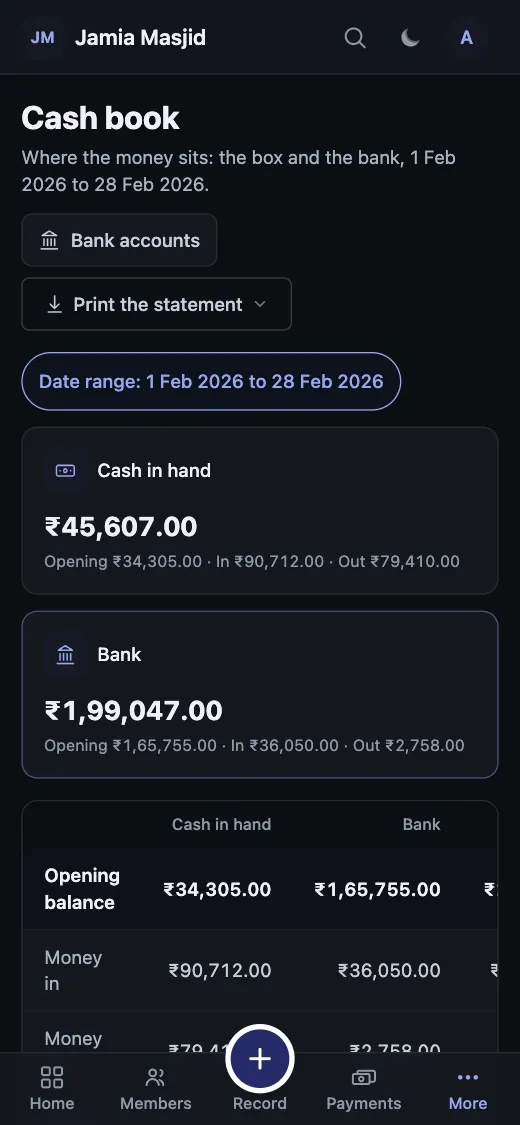
Every rupee in and out sits against a fund, a category and a vendor. Staff salaries run as one month, paid in full or in parts, with a payslip for each person on paper or WhatsApp. The cash book keeps the box and each bank account apart from opening to closing, with a printable statement for any period.
- Expenses by category, vendor and fund, with what is still owed to each supplier
- Staff salaries paid in full or in parts, with salary owed and advances kept apart
- Cash book with a column per bank account, deposit runs and a printable statement
Receipts
Receipts in the masjid’s own name
Every payment gets a numbered receipt in the masjid’s name and colours, ready to share on WhatsApp or print. Choose the design that suits the masjid: a full page, a lighter page or a half-page slip.
- Numbered, branded receipts as PDF
- Shared on WhatsApp or printed
- Classic, Minimal and Compact designs


Verification
A receipt anyone can check
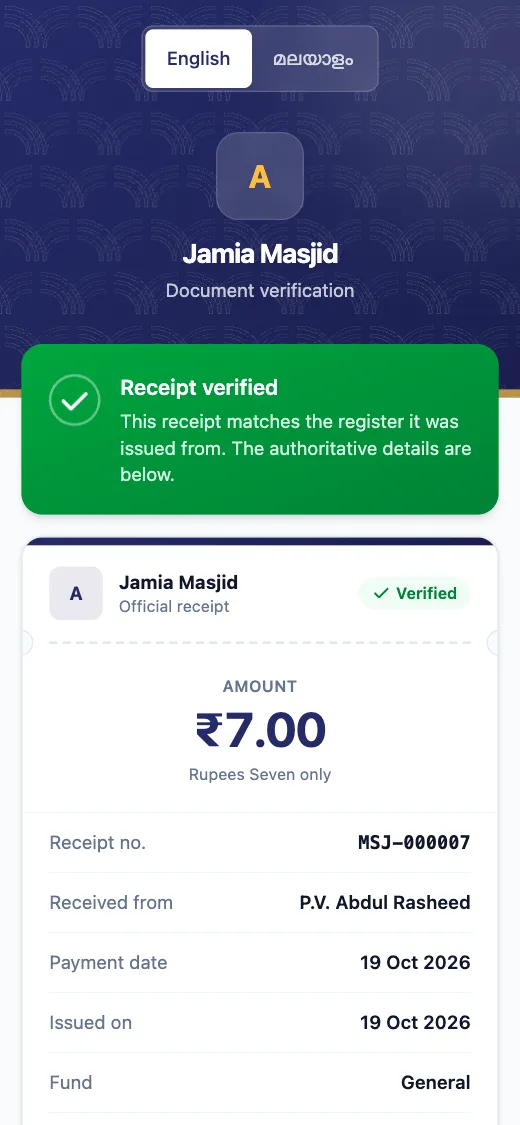
The QR code on every receipt opens a verification page that answers from the masjid’s records, so an altered or invented receipt fails the check. Members can also look up their own dues and receipts.
- A verification page for members, banks and offices
- In English and Malayalam
- Members look up their own dues and receipts with a code sent to their WhatsApp
Certificates and registers
Registers that issue their own certificates
Nikah NOC, marriage, death, birth, membership and no-dues certificates come from numbered registers, in Malayalam or English. A family can ask for one from the masjid’s page and follow the request on its own link. The wording on an issued certificate does not change afterwards, and any office, bank or mahallu can scan it to confirm it.
- One numbered book for each kind of certificate
- Requests from the public page, with any fee paid by UPI
- Signed by hand, with a printed seal, or approved online
- Checked by QR at any office


Noticeboard
A death notice the whole mahallu can act on
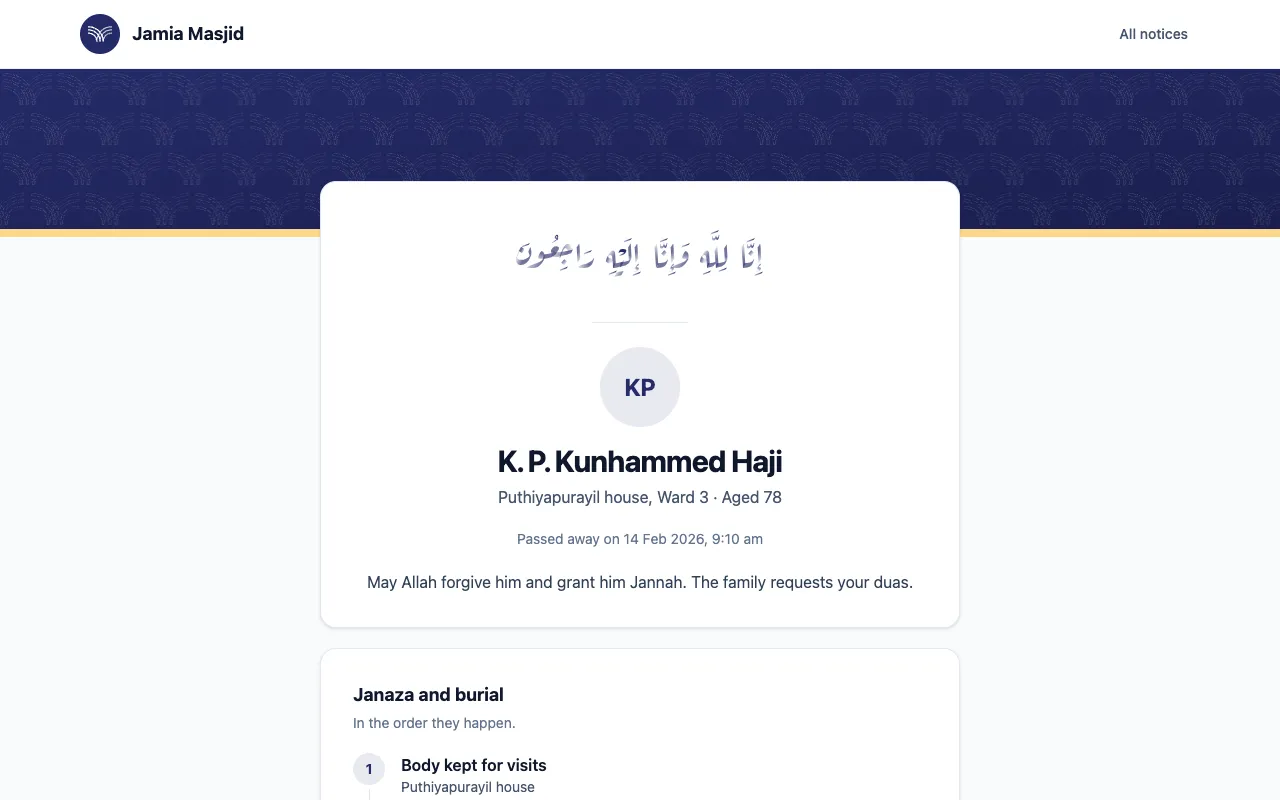
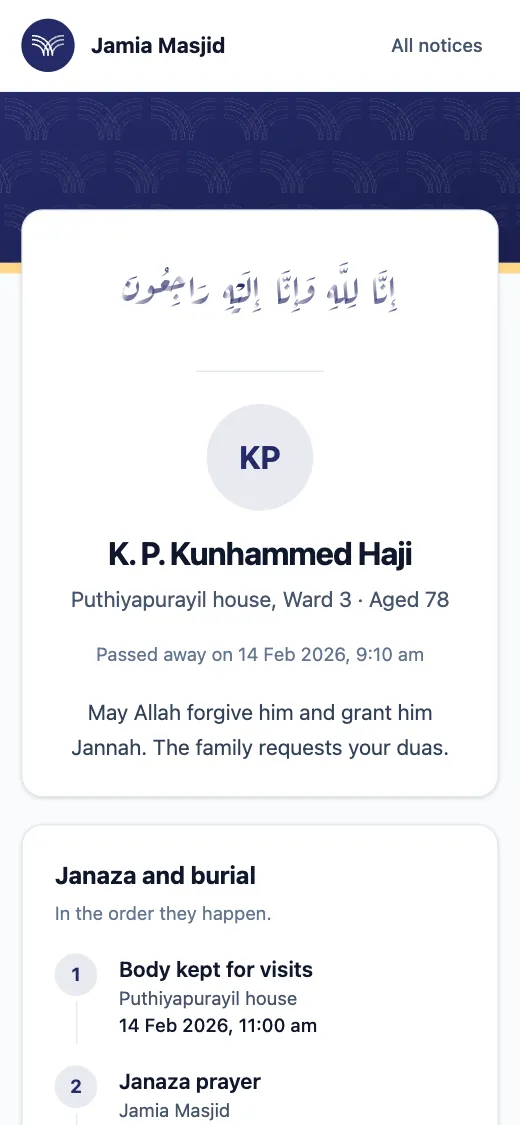
File the notice the moment you hear. Add each stop as it is settled, with its place, time and map link. The notice has its own page to forward on WhatsApp, and programmes and announcements use the same board.
- Janaza itinerary with place, time and map link
- A page to forward for every published notice
- Any committee member files a notice; an administrator publishes it
Your public page
A page for the masjid at its own web address
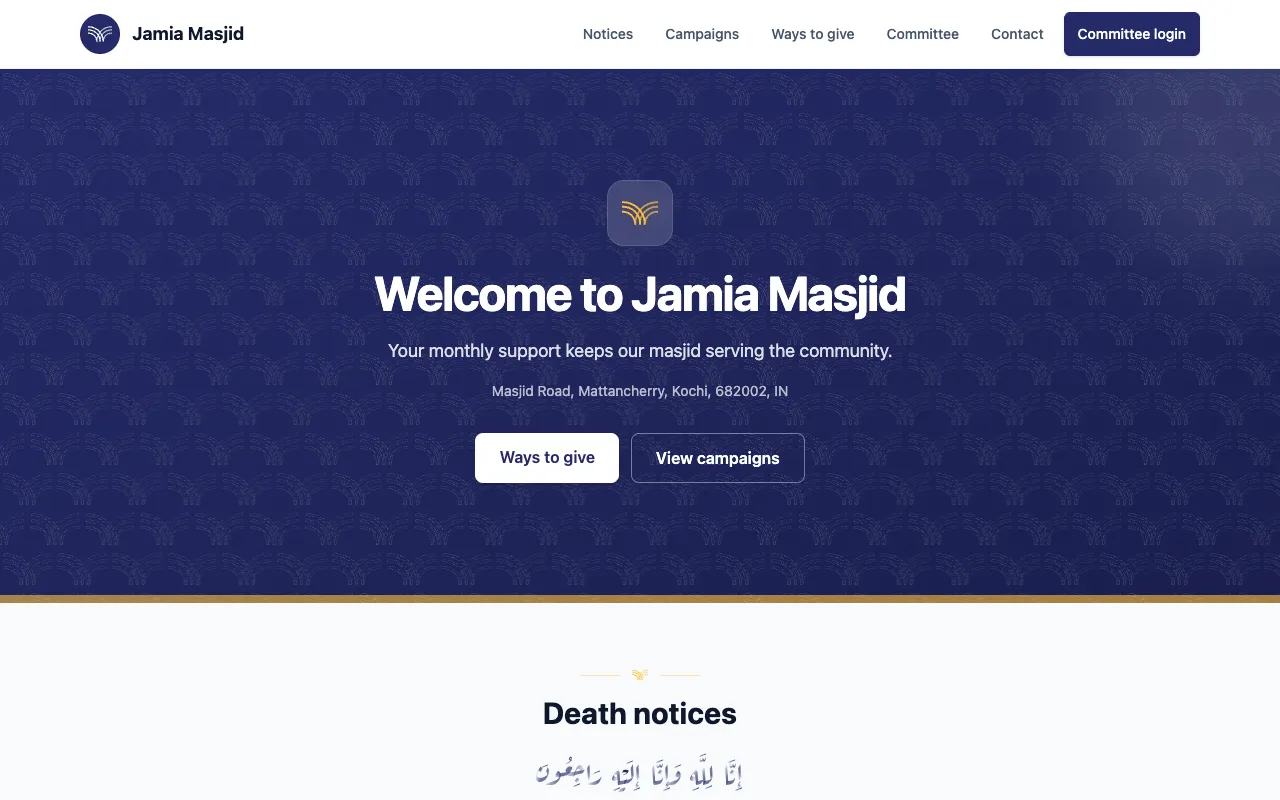
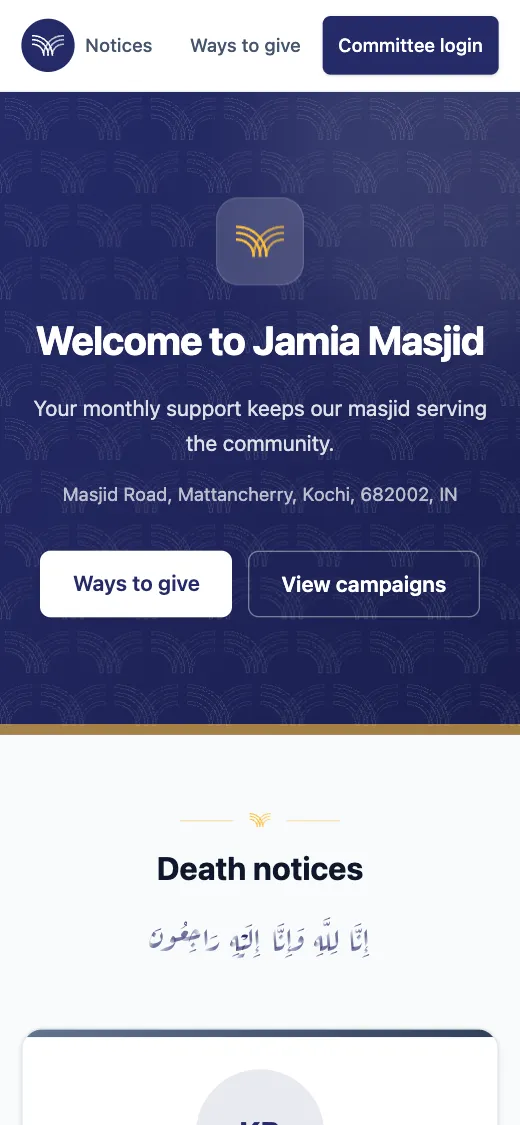
Every masjid gets a page at its own address, in its own colours, with prayer times, the noticeboard, campaigns and their progress, the committee, a UPI QR code and bank details. Members and well-wishers give by UPI or bank transfer.
- Prayer times for your town, updated every day
- UPI QR code and bank details for giving
- Campaign progress shown as it is collected
Included with every masjid
Every module is part of the one plan. Turn on what the committee needs.
Funds and campaigns
A goal, running progress and a public page for a building fund or a Ramadan drive.
General body slides
The period’s accounts as slides for the meeting, with charts, a report for each fund and last year beside it, in English or Malayalam. Present from a laptop or share a link for the hall’s screen.
General body attendance
Mark members in at the door from a phone, or print a signature sheet. Passes go out on WhatsApp and are scanned at the entrance, so the count the minutes record is verified and frozen when the meeting closes.
Staff and salaries
A staff register and a monthly salary run, paid in full or in parts. Salary owed and advances each keep their own balance, and every payslip can go to the staff member on WhatsApp.
WhatsApp messages
Receipts reach members on WhatsApp the moment they are issued, payslips reach staff when salary is paid, and payment reminders go out in one tap or once a month on their own, in the standard wording or one the committee writes in its own language. Messages come from InflowBooks’ approved number, or from the masjid’s own WhatsApp Business number once it is connected.
Self registration
Households and individual members enter their own details from a shared link, or update them from a personal one. The committee approves each one.
Member self check
A member looks up their own dues and past receipts with a code sent to their WhatsApp.
House cards
A pocket card, a family card or a door sticker for each house, with a QR. Collectors scan it to open the house and take a payment; the committee decides whether a family can scan it to see its own dues and receipts.
Import from CSV
Members, payments, expenses, the rent register and the staff list from a spreadsheet or another system, past balances included.
Waqf Board contribution
The Section 72 contribution worked out from your own books, with a statement for the board, and the board's annual accounts form (Kerala's Form No. 6) filled from the same books.
Waqf property register
Land, buildings and shops with deed details, plus rents and leases. Dues and rent paid ahead show in money and in months, part payments and rent changes included, with deposits held and a reminder to the tenant on WhatsApp.
Box and Friday collections
Lump sums from the donation box or the Friday collection recorded as their own entry.
Statistics
Gender, age bands and family counts charted from the member register.
Roles and audit trail
Administrator, treasurer, cashier and cluster leader roles, or roles the committee makes itself, area by area. Every entry records who made it and when.
Installs as an app
Add it to a phone home screen and it opens full screen. Nothing from an app store.
Up and running in three steps
There is nothing to install and nothing technical for the committee to manage.
- 1
Tell us about your masjid
Send the request at the foot of this page or message us on WhatsApp. We call back to confirm the details and agree a start date.
- 2
We set it up
Your masjid gets its own web address, in its own colours, with a login for each committee member. Each fund carries its subscription amount, set once on the Funds page.
- 3
Bring in the members and run the month
Import a spreadsheet, share the self-registration link or use the printable data form. Then record the first collection and issue the first receipt.
One plan, one price
Every module is included. The price is the same for a committee with a hundred houses and one with thousands.
₹5,000 for the first year, setup included
The regular rate is ₹6,000 a year plus a one-time setup fee of ₹4,000, regular price₹10,000 for the
first year. Renews at ₹6,000 a year.
- Every module, from the member register to the waqf property register
- Your own web address and branded public page
- A login for each committee member, as administrator, treasurer, cashier, cluster leader or a role you make
- Setup at your own web address, done by us
- User guide in English and Malayalam
- Support on WhatsApp and email
WhatsApp messages are charged separately. Terms apply · Refund policy
Gift a mahallu its year
Anyone, at home or abroad, can sponsor a mahallu’s subscription. You pledge, the committee accepts, and you pay only after that.
Sponsor your MahalluProfessional services
Every module is included in the plan. For committees that want hands-on help, InflowBooks offers these services separately, each quoted on request. None of them is required to use InflowBooks.
- Online
Onboarding support, one month
A two-hour online session for the committee, then a month of walking you through the first collection, the first receipts and the first report, on call and on WhatsApp.
View details - Online
Full setup, done remotely
We set the account up with you over a call: funds, bank accounts, expense categories, collection sources, branding and the committee logins. No register or payment entry.
View details - Online
Waqf annual accounts (Form 6) setup
We map your funds and expense categories to the Board’s heads, set the opening balance and walk you through your first return. Filing with the Board stays with the committee.
View details - At your masjid
In-person training, one day
A day at your masjid with the committee and the collectors: the register, the collection round, receipts, expenses and the reports, hands on.
View details - Online
Register data entry
Your houses and members typed in from your paper register or forms. The members register only, never payment history; the committee checks the result.
View details - At your masjid
Member data collection drive
A person at your masjid for the day to run the registration drive: the poster and link, the printed forms, and the entries that come in.
View details
Your records stay yours
Each masjid sees only its own books, and the books can leave with the committee at any time.
Separate at the database
Each masjid’s data is isolated by row-level security in the database, not only on screen. One committee can never see another’s members or money.
Roles and an audit trail
Administrator, treasurer, cashier and cluster leader roles, or a role of your own that sees only what it should. Every payment, expense and edit records who made it and when, and that record stays when the committee changes.
Nothing locked in
Every list exports as PDF or CSV whenever you want. The books stay with the masjid when the committee changes.
Support you can reach
WhatsApp and email support, a public status page, and a full user guide in English and Malayalam. Report a problem or ask for a feature from inside the app, follow it to the fix, and vote on what is built next.
Live status for the website, sign-in, records, email and WhatsApp is published at status.inflowbooks.in.
Guides for committees, in English and Malayalam
Written for secretaries and treasurers. Free to read whether or not you use the software.
Guide
Keeping mahallu and masjid accounts: a practical guide for committees
What a masjid committee should record, how to separate one fund from another, and how to hand the books over without losing a year of history.
Guide
Collecting varisankhya: a working system for subscriptions and arrears
How to set each family subscription once, run collection that reaches the register the same day, and follow up arrears early without souring relationships.
Guide
Building a mahallu register: from house survey to a record that stays current
How to plan a house survey, what to collect from each family and what to leave out, and the habits that keep the register alive after the survey ends.
Guide
Choosing masjid management software: what actually matters
Eleven questions to ask before a committee commits to any system, from who owns the data to what happens when the treasurer changes.
Guide
Masjid committee roles: who does what, and what the general body should expect
What the president, secretary and treasurer of a masjid or mahallu committee each do, the records each one keeps, and what the general body can ask to see.
Guide
Presenting the accounts at the mahallu general body
What the annual statement for the general body should contain, how to build it from the monthly closings, what to check before the meeting, and how to present it and minute its approval.
Common questions
What committees ask us before they get started.
What is InflowBooks?
InflowBooks is mahallu and masjid management software for committees in Kerala and across India. It keeps members and houses, monthly subscriptions, funds and campaigns, expenses, staff salaries, waqf property rent, the cash book, receipts, certificates and the noticeboard in one place, in English and Malayalam.
Does it suit a small jamaath committee, or only large mahallus?
Both. Each mosque, jamaath or mahallu committee sets its own subscription amounts and turns on only the modules it needs, so a committee with a hundred houses and one with thousands work the same way.
Can a madrasa, Waqf trust or college use InflowBooks?
Yes. Each institution chooses what the app calls itself and its people, so a madrasa or a college keeps students and their monthly fees. A Waqf trust gets the property register, tenancies and rent, and the annual accounts its Waqf Board asks for. It is the same plan, with every module included.
How does varisangya collection work?
Each family sets its monthly varisangya once. Collectors record payments as they collect, the register updates the same day, and outstanding amounts are carried forward so follow-up never depends on memory.
Can members verify their receipts?
Yes. Every receipt carries a QR code and a verification code that anyone can check on the masjid page, so a member can confirm a payment reached the books without calling the office.
Does InflowBooks send WhatsApp messages automatically?
Receipts, yes: each receipt goes to the member on WhatsApp as soon as it is issued, when their number is on file, and each payslip goes to the staff member when salary is paid. A reminder to a tenant opens in the committee’s own WhatsApp to send. Payment reminders go when the committee sends them, in one tap, or once a month on a day the committee chooses if they switch that on. Messages come from InflowBooks’ approved WhatsApp Business account and are paid from a prepaid WhatsApp balance the masjid tops up, or from the masjid’s own WhatsApp Business number, which Meta then bills directly.
Do we get our own masjid website?
Yes. Every masjid gets a branded public page at its own web address, with prayer times, campaigns, the noticeboard and ways to give.
Is it available in Malayalam?
Yes. The software and the full user guide are in English and Malayalam, and certificates can be issued in English, Malayalam or another language such as Tamil, Kannada or Urdu.
Do we need a computer?
No. It works in the browser on any phone, tablet or laptop and can be added to the home screen like an app. Collections are usually recorded from a phone.
Can we bring our existing records?
Yes. Members, past payments, expenses, the rent register and the staff list import from a spreadsheet as CSV, including past outstanding amounts, so the register starts with its history. A committee working from a paper register enters each tenant and staff member’s balance on one starting sheet.
What does it cost?
One simple yearly plan, priced so any community can afford it. Message us on WhatsApp and we will help you get started. Anyone can also gift a mahallu its subscription at inflowbooks.in/sponsor.
Is anything charged on top of the plan?
Every module is in the one plan. You pay only for what you choose to use, and none of it is needed to use InflowBooks.
Set up your masjid
Tell us about your masjid. We check every request, set the masjid up for you and contact you to get started. Accounts are not created automatically.
What happens next
- 1. We reply on WhatsApp or email and agree a start date.
- 2. We take your masjid’s name, logo and colours and set it up.
- 3. Your committee gets its logins and the web address goes live.
Or write to [email protected]
Sponsoring a mahallu from abroad? Start at Sponsor your Mahallu.